
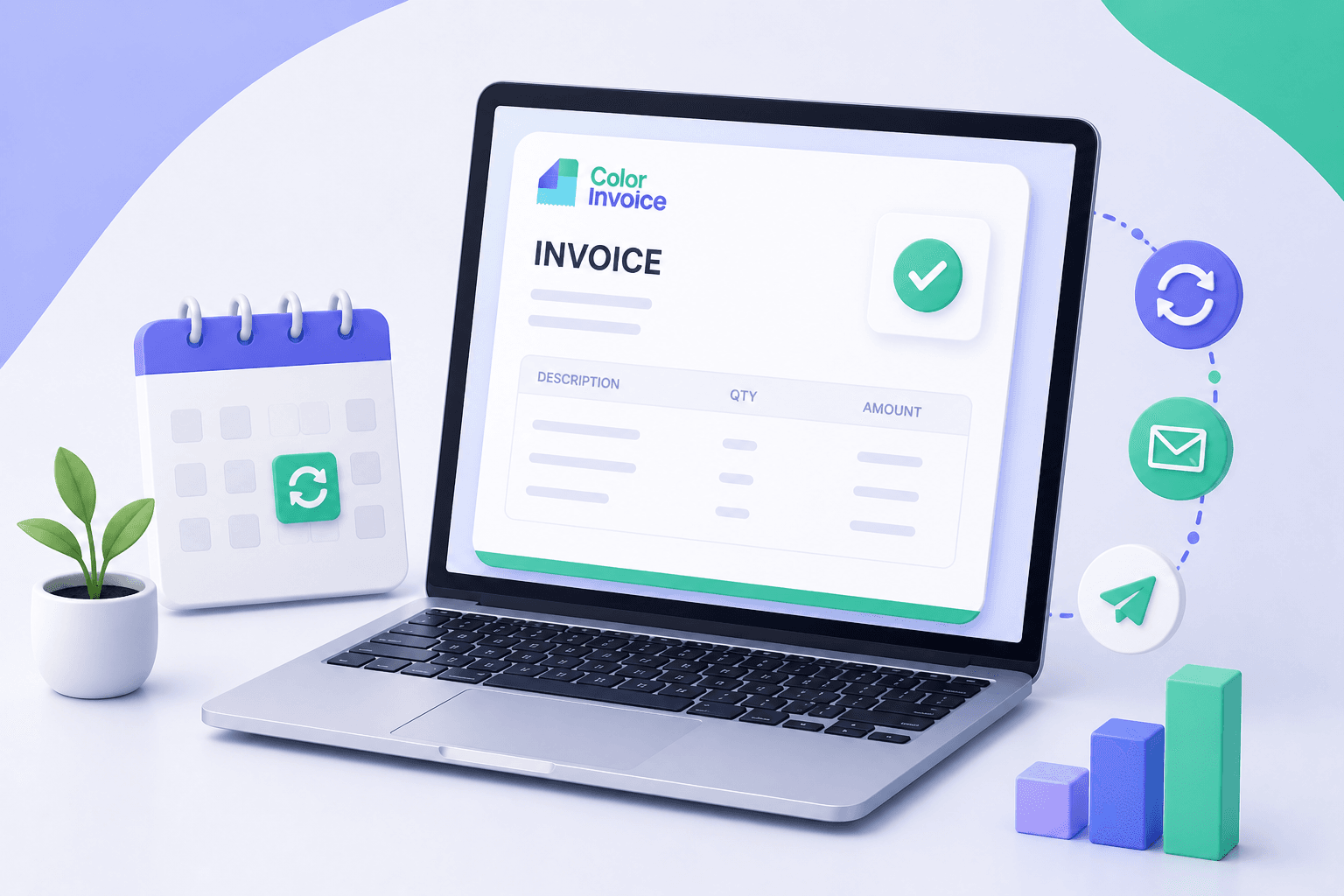
The Groundhog Day of Billing
If you run a subscription business, offer monthly retainers, or provide ongoing maintenance services, you know the drill. Toward the end of every month, you block out an hour (or more) to duplicate last month's invoices, update the dates, check the amounts, and email them to your clients.
It’s repetitive. It’s boring. And worst of all, it’s entirely prone to human error. A single copy-paste mistake or a forgotten email can delay your cash flow by weeks.
You shouldn't have to manually ask to be paid for work that happens automatically.
The Solution: "Set It and Forget It" Invoicing
With ColorInvoice, you can put your repetitive billing on autopilot. By setting up recurring invoices, you let the system do the heavy lifting while you focus on delivering value to your clients.
Here’s how it works:
- Create the Template: Draft an invoice exactly how you want it to look, complete with line items, prices, and terms.
- Define the Schedule: Choose how often the invoice should go out (weekly, monthly, annually) and when it should start.
- Automate the Delivery: Turn on auto-send, and ColorInvoice will automatically generate the invoice and email it directly to your client on the scheduled date.
Why This is a Game-Changer
Predictable Cash Flow: When invoices go out exactly on time, clients are more likely to pay on time. You remove the bottleneck of "waiting for the business owner to find time to bill us."
Zero Admin Anxiety: No more waking up in a cold sweat on the 3rd of the month wondering if you remembered to invoice your biggest retainer client. The system never forgets.
Professional Consistency: Automated emails are consistent, polite, and flawlessly formatted. They remove the awkwardness of the monthly "Hey, just sending this over again" email.
Designed for Flexibility
We know that business isn't always rigid. That's why we designed our recurring invoicing system to be flexible:
- Dynamic Variables: Use placeholders for months or dates in your line items, so an invoice automatically says "Services for May" instead of you having to update it.
- Review Before Sending: If your monthly amounts fluctuate, you can choose to have the system generate the invoice as a draft. You review it, make your tweaks, and click send.
- Easy Pausing: Client going on hiatus? You can pause a recurring schedule with one click and resume it whenever you're ready.
How to Get Started Today
Setting up your first recurring profile takes less than two minutes:
- Navigate to the Invoices tab and click New Recurring Profile.
- Select your client and add your standard line items.
- Set your frequency (e.g., Every 1 Month).
- Save the profile.
That’s it. ColorInvoice takes over from there.
Ready to stop doing manual data entry? Log in and set up your first recurring invoice →
New to ColorInvoice? Start your free trial and automate your billing →
Ready to upgrade your billing experience?
Stop sending generic PDFs and maintain your brand identity down to the final receipt.
Start your 5-day free trial